Context
WinPicker began as a personal tool. On Windows 11, I wanted a quick way to sample foreground and background colours from anywhere on screen, compare them and understand their text contrast without moving between separate utilities.
The first goal was deliberately narrow: improve my own design and development workflow using the web technologies I already knew. The longer-term opportunity was to build the same experience for more than one operating system.
Process and decisions
I first explored React Native for Windows, then moved to Electron to prototype with React and reach beyond a Windows-only application. Electron made that transition easier, but packaging a complete browser runtime felt disproportionate for a small colour utility.
I later migrated the desktop shell to Tauri. The interface still uses React, Vite and Fluent UI, while Tauri produces a lighter native application by relying on each operating system’s webview instead of shipping a full browser with every build.
The current version no longer depends on a custom Windows executable for colour sampling. It uses native web colour controls and the EyeDropper capability when the underlying browser or webview exposes system-level sampling. Keeping that boundary in the web layer supports the cross-platform direction without pretending that every runtime offers identical behaviour.
Contrast and accessibility
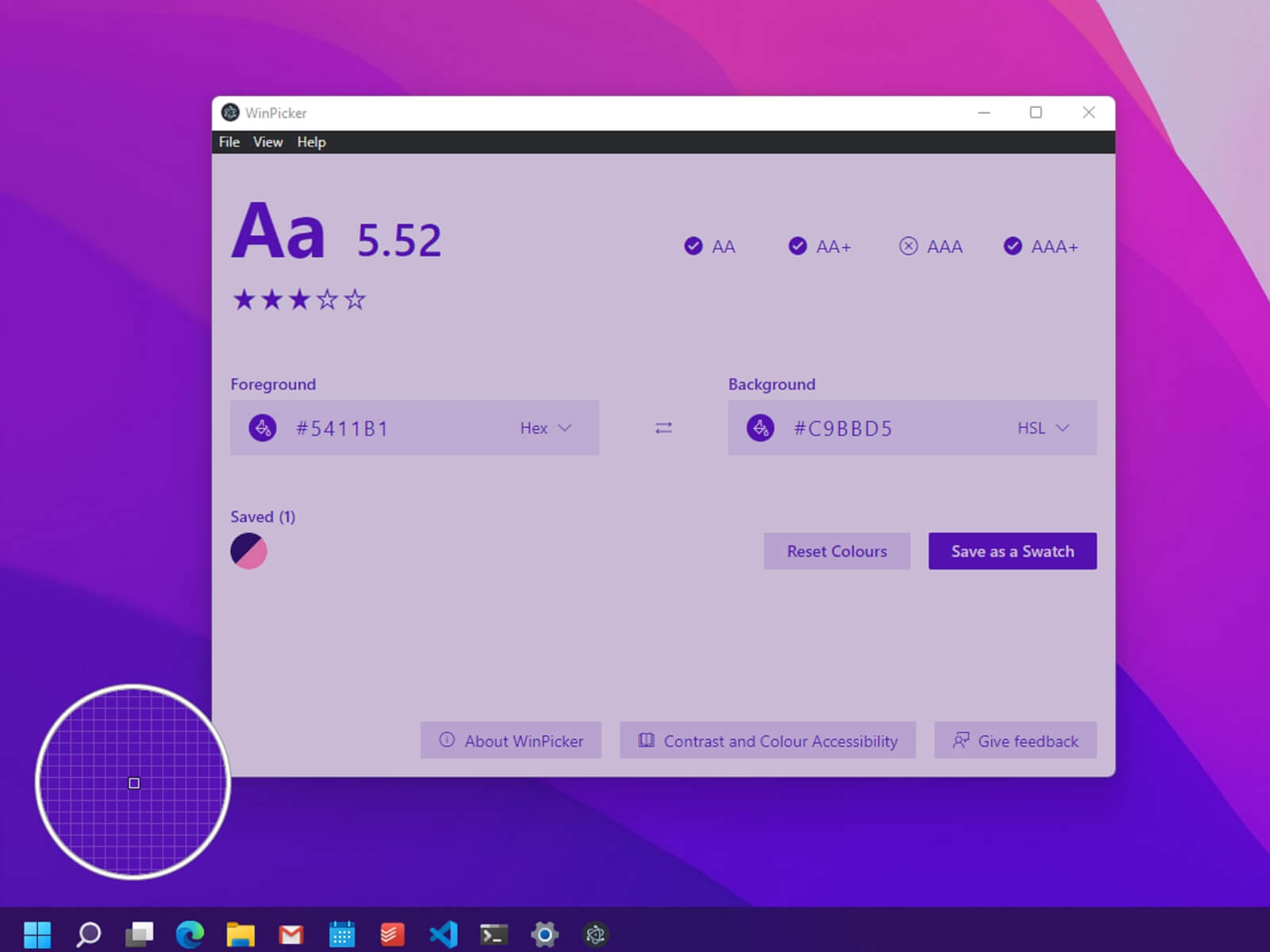
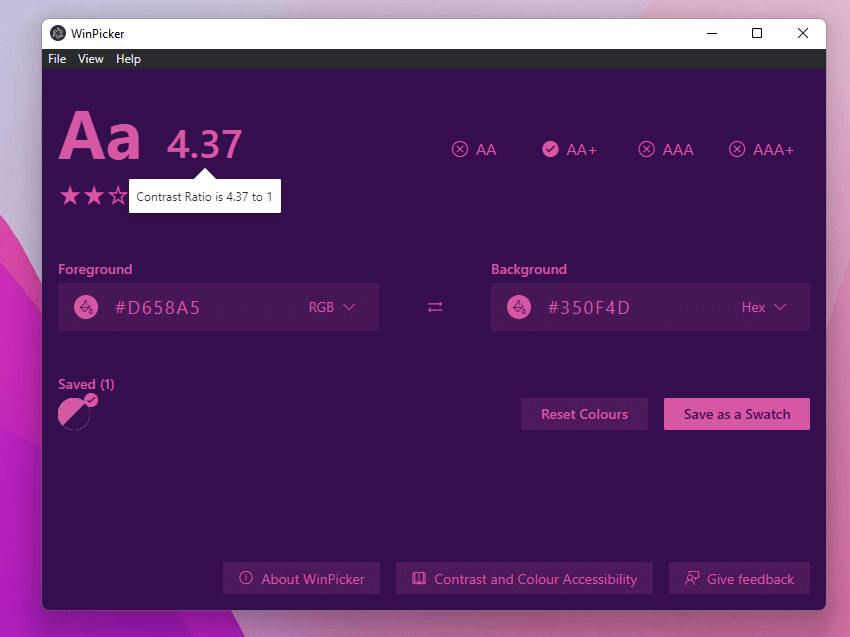
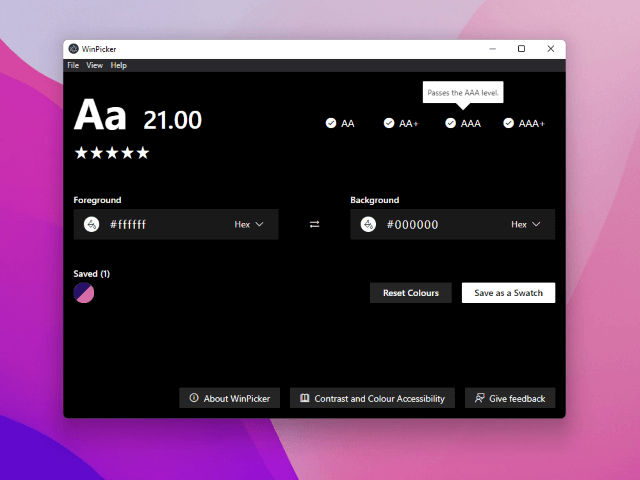
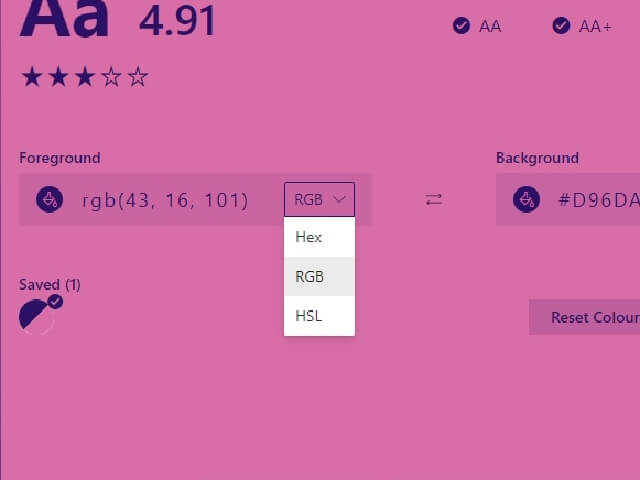
The get-contrast package calculates the ratio between the selected foreground and background. I translate that value into a quick five-star scale and also show explicit WCAG AA and AAA results for normal and large text, so the visual summary never replaces the underlying criteria.
Keyboard access, visible focus and assistive-technology support were part of the interface from the beginning. I tested the desktop experience with NVDA, Windows Narrator and VoiceOver, and checked the mobile interface with TalkBack. Playwright and axe-core provide additional integration and automated accessibility coverage.
Result
WinPicker is still a working prototype and needs another development pass before its first public executable release. I am planning that release for later in 2026, with cross-platform desktop builds as the immediate goal and the web-based interface leaving room for broader operating-system support.
Learning
Cross-platform does not have to mean packaging the same heavy runtime everywhere. Building on native web capabilities and keeping the desktop shell replaceable allowed a small Windows tool to grow into a more portable product direction.