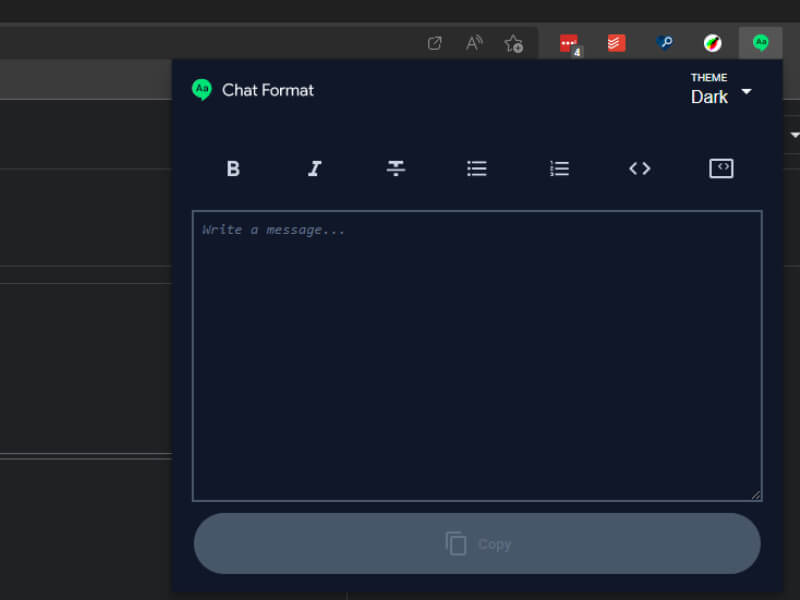
Google Chat Formatter
A browser extension that helps Google Chat users to create richer text content. Backed up by Preact, CSS Modules, Vite and Cypress component testing.
Accessibility Considerations
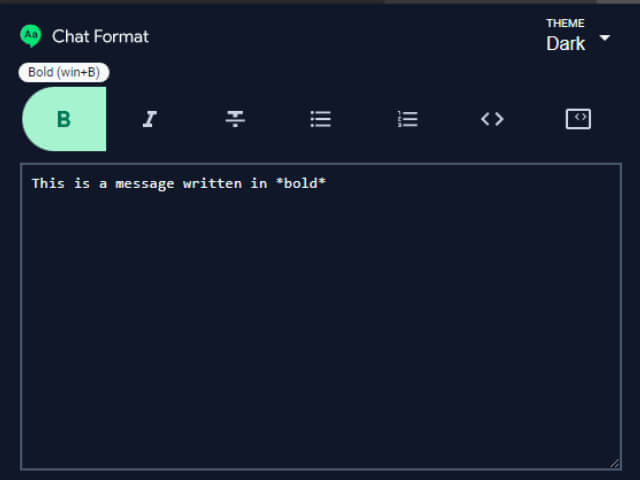
Accessibility was a top priority from the start of this project. The extension’s popup interface was built with accessibility in mind:
- Full keyboard navigation support throughout the toolbar and text editor
- Proper ARIA labels and roles for all interactive elements
- High contrast mode support through CSS custom properties
- Screen reader announcements for formatting actions
- Focus management when switching between toolbar and text area
- Semantic HTML structure with proper heading hierarchy
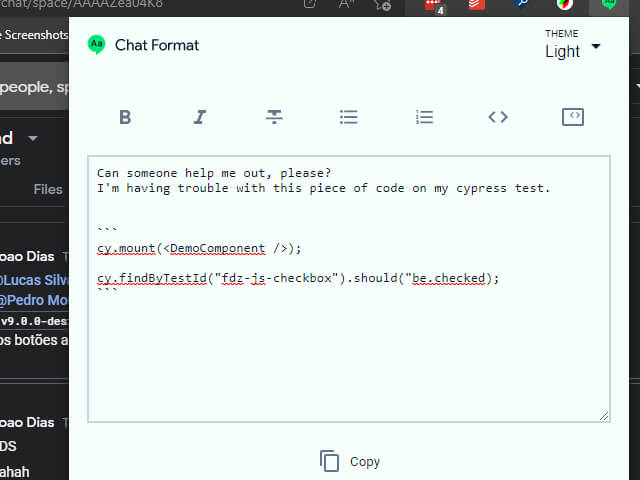
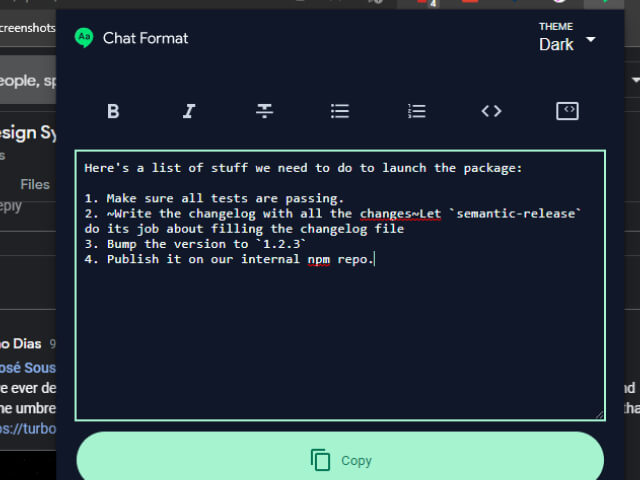
The extension also supports dark and light themes, ensuring readability in various lighting conditions. All formatting controls are clearly labeled and can be activated via keyboard shortcuts, making the tool accessible to users who rely on keyboard navigation or assistive technologies.
Technical Approach
Built with:
- Preact - The lightweight 3kb React alternative, chosen for its small bundle size and React compatibility
- CSS Modules - For scoped styling
- Vite - For fast development and building
- Cypress Component Testing - For testing components in a real browser environment
The initial plan was to inject an inline panel next to Google Chat’s textarea, but Google uses a contenteditable div instead of a native textarea, and there were no unique identifiers to reliably target. This would have created a fragile dependency on Google’s internal implementation.
Instead, I built a popup interface that provides a clean, accessible way to format text before pasting it into Google Chat.
Process
The project started with exploring React, but quickly pivoted to Preact for its smaller bundle size and React compatibility layer. The popup approach was chosen after discovering the limitations of trying to inject UI into Google Chat’s interface.
Cypress component testing was used to test components in a real browser environment, which proved more reliable than Jest with JSDOM. This approach caught several bugs that wouldn’t have been caught with traditional unit testing.
Dark and light themes were implemented using CSS custom properties for easy theming and accessibility support.
Results & Impact
The extension served me well for several months before Google implemented their own inline editor. However, this project was valuable for learning Preact, Vite, and Cypress component testing.
The project demonstrates how to build accessible browser extensions and showcases the benefits of component testing in real browser environments over simulated DOM environments.